The Smart Catering OS
CaterCloud runs the backend on autopilot so you can focus on the front.
Hi — we're getting married at Stonefields Barn on Saturday 21 November and are after catering for about 40 guests.
Congratulations Ella! Saturday 21 November is free and we'd love to look after you. Were you thinking seated, or something more relaxed?
Seated dinner, three courses — and canapés while everyone arrives would be lovely.
Perfect. I'll send your quote through now — three courses seated, with canapés on arrival.
You’re confirmed, Ella — thank you! Everything for the day now lives on your event page: the menu, the running order and what’s left to pay. Add any dietaries there whenever they firm up, and we’ll remind you before the balance is due.
 MarcoSending…
 TessSending…
 JoSending…
CaterCloud is the operating system for catering businesses: food trucks, mobile caterers, and event and platter caterers. It answers each enquiry against your real availability, prices the job against what the food actually costs, confirms it with a deposit, puts the job on the calendar and the crew roster, and shows what each event made. It is built in Australia, and every plan includes every feature.
Caterers, food trucks and venues run on CaterCloud
A few of the businesses running their catering through CaterCloud — including the ones you hear from further down.












02 — The engine
The engine. Four ways in, one thing that answers, and everything else falls out of it.
However the booking reaches you, it lands in the same place — and the same resolver answers it, against the calendar you are actually holding. Then it keeps going: what your customer changes later comes back through the same door and everything downstream recomputes.
They reach you
CaterCloud answers
Availability — the real day
A price — your packages
And it builds the job
Then your customer keeps going
It comes back through the same door — the quote reprices, the food order moves, the shifts resize and the run sheet redraws.
03 — In their words
Caterers who love CaterCloud
“The moment I realised this was actually working was waking up in the morning and having the leads in my inbox already — without chasing the business. I've gone from one booking a month to three or four.”
Michelle
Owner, Michelle's Catering
50–60% of leads converted
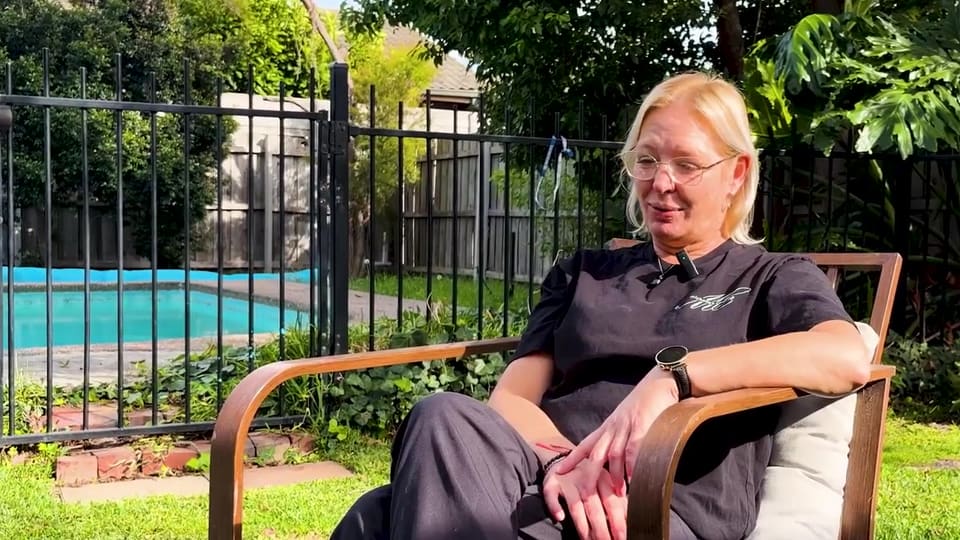
“I run three businesses, so chasing quotes and back-of-house was really hard work. Now people order and pay through the website and get a quote instantly — I don't have to lift a finger.”
Mel
Owner, Junction Cafes
2–3 a day enquiries, was 2–3 a week · admin halved

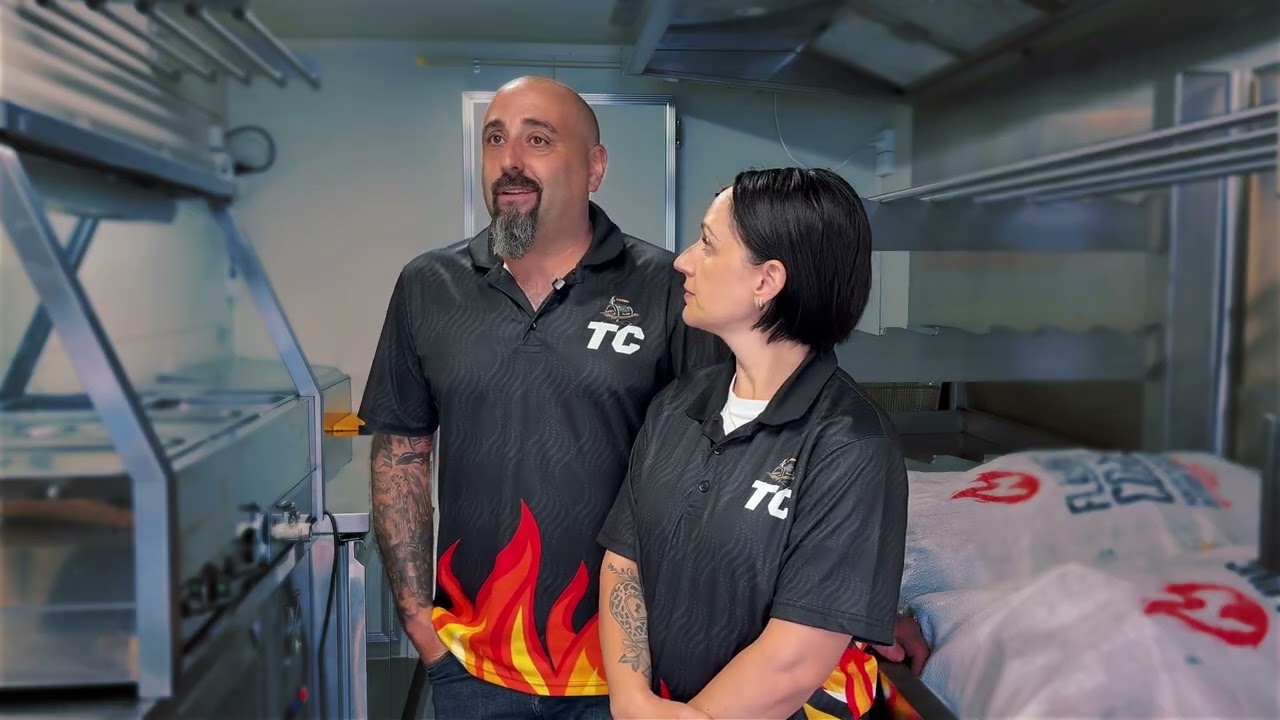
“This software does it all for us — our invoicing's done, our payment schedules are done, the quoting tool's there. We can be asleep and still get leads. Without it, our truck would be sitting in the backyard not generating revenue.”
Steve & Amanda
Owners, Travelling Carnivores
45–55 quotes sent / month
“We've collected $40k just in deposits. Our calendar is filling up — we're actually in the process of getting a second van. One job alone basically paid for the whole system.”
Jacinto
Owner, Spanish Paella & Sangria
$40k in deposits

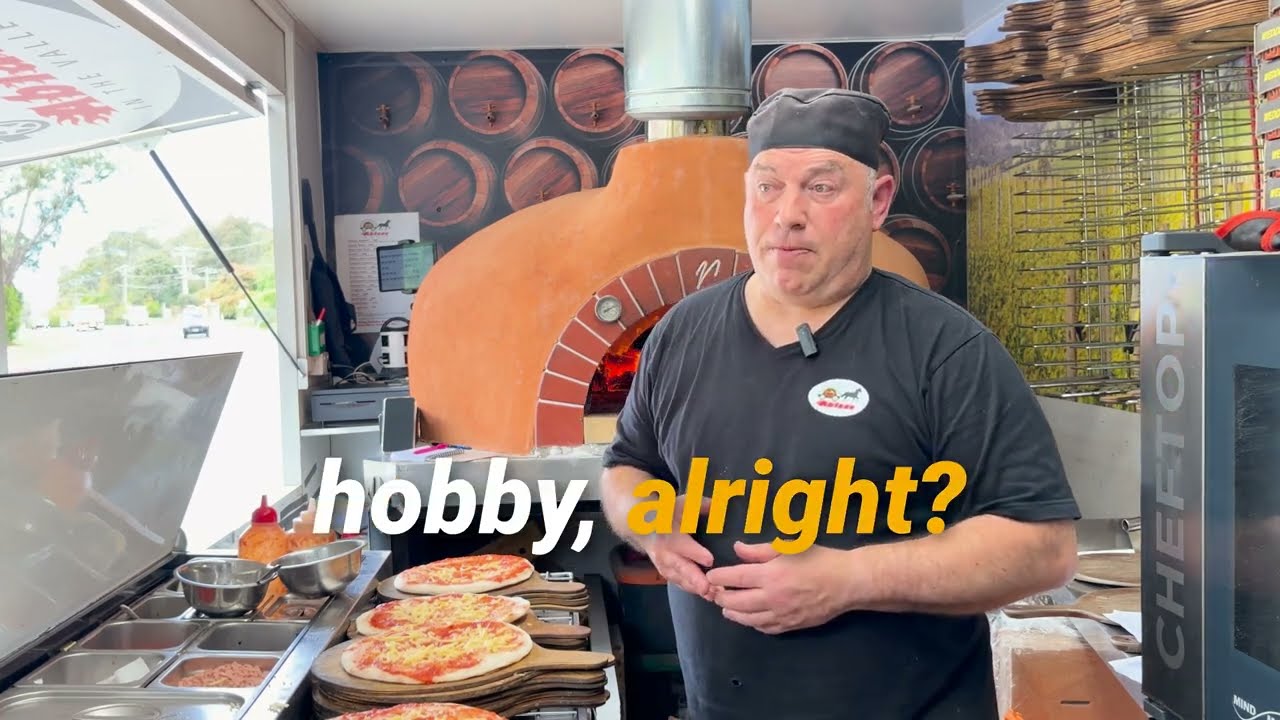
“These guys know how to improve your web page and the inquiries coming in. I'm three months into next year already confirmed — that's never happened in 12 years.”
Stephen
Woodfired pizza, Ablaze in the Valley
04 — What it does
Let customers book your food truck like they book their hotel.
A hotel answers “are you free on the 26th?” on the spot. Most caterers answer it two days later, after checking a spreadsheet and a phone. The widget below is your diary answering on your own site, in front of the customer — the live thing, not a picture of it.
And the diary underneath it
CaterCloud checks your diary for you, and keeps your fans in the loop
One resolver decides what a day is — free, nearly full, in demand, fully booked, closed — and every surface reads the same answer: this widget, your booking page, the quote, and the diary your crew works from.
How one answer reaches four places
Open a date to see what is on it. Saturday the 14th is full because two jobs are on — your customer sees a shape and a time, never who, never where.
Link your diary to your site once
Your site always says where you are trading
One line of markup, pasted once. From then on every market, festival and residency you accept appears on your own site the moment you accept it — nothing to post, nothing to keep current, and no "where are you this weekend" answered forty times.
And it runs the other way too: CaterCloud finds the public events near you, so applying to trade at one is a form you review rather than one you go hunting for.
Where to find us
Markets, festivals and residencies — updated as we book them.
Next up
5 events- 13NovFriday residency · Welcome to ThornburyWelcome to Thornbury, Thornbury4pm – 10pmIn 7 days
- 14NovBrunswick Farmers MarketSiteworks, Brunswick8am – 1pmIn 8 days
- 15NovYarra Valley Food & WineGruyere Reserve, Gruyere11am – 7pmIn 9 days
- 20NovCollingwood Night MarketCollingwood Yards, Collingwood5pm – 10pmIn 14 days

05 — What it builds
The job builds itself out of the booking.
Four of the things the diagram above says fall out of an accepted quote — and what each of them actually looks like.
The menu
Assign a menu. The food order and the prep list fall out of it.
Put a package on the event and the quantities follow: what to buy, per ingredient, scaled to the head count — and what to prep, per dish, in the order it has to happen. Change the guest number and both redraw.
Menu editor
- Canapés on arrivalEach guest gets3 per guest
- Beef cheek / BarramundiAlternate drop1 per guest
- Seasonal sidesShared — for every N guests1 per 10 guests
- Celebration cakeOne for the whole event1 total
How guests see this
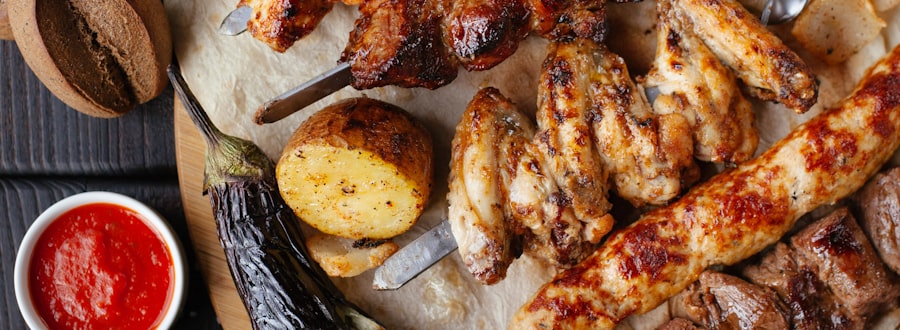
- Canapés on arrival
- Beef cheek or barramundi, served alternately
- Seasonal sides to share
- Celebration cake
The shifts
Size the crew to the service, from who is actually free.
The shifts come off the job — bump in, service, bump out — and the people offered for them are the ones whose availability says yes. Send the callout and the replies land back on the same board. Switch to the week and every shift is a bar you can drag onto another day.
Your crew do not change the bill — CaterCloud is a flat monthly price, not a charge per person on the team.
The margin
What you charged, what it cost, what is left
Price per head and food cost per head on the same line, from your own recipes and your own supplier prices. Where a cost genuinely cannot be worked out, CaterCloud names what is missing instead of quietly calling it zero.
$22.00 / kg — our estimate, not your price yet
$18.50 per jar of 500 → $0.037 / ml
$167.50 / kg → $0.1675 / g
- Batch of 1 serve
- Cost per serve
- 21% of price
Meridian Board Lunch · why there is no profit figure
The day itself
One view that holds the whole job on the day.
Every part of the event in one place: the run sheet, the packing list, the crew, the dietaries and what it is costing you against what it is earning. It is the screen the operator actually stands in front of.
September
THE RUN Mon 28 · trading day
7h 30m start to finishThe day, in order — and who is carrying it
- 11:00 pmLoad van — cold store, dry goods, service wareD
- 12:15 amArrive Stonefields, unload to prepY
- 2:30 pmSet up service area & equipmentA
- 4:00 pmService beginsR
Menu
Certificates & docs
After the deposit
Your customer touches one thing. Everything else moves.
This is her own phone — the link already in her booking email. No account, no password: she opens it, and she is looking at her own event.
She can ask to move the date against your real diary, add a grazing board, or change her headcount — and watches the total reprice as she builds it, before she sends anything.
Nothing moves on your side until you say so. The request lands as a card in your own console; only once you approve it do the quote, the balance, the prep board and your Google Calendar catch up — automatically, without you retyping a line of it.
Dietaries, access and the balance arrive without you typing any of it. The job earns its Ready, and on the day it is all on your phone at the venue.
Card details handled securely by Stripe
Nothing is charged until your caterer confirms
Issued automatically when the balance cleared
07 — It reads what you already have
Nothing starts from zero.
A spreadsheet, a PDF, even a photo of a booking sheet — point CaterCloud at whatever you already keep your leads and events in. It reads the rows, works out which are events, which are customers and which are orders, and flags whatever it is unsure of before a single one is created.
The same read works whether you trade at markets and festivals or run private functions — and an order carries whether it is pickup or delivery, same as everything else.
08 — Getting started
Seamless onboarding
Setting CaterCloud up is not a project. It is handing over the menu, the bookings, the calendar, the enquiry email and the website you are already running on — in whatever shape they are already in.
01
Your menu
The one you already send people — at the prices you already charge.
Upload PDFor import with
02
The bookings you already have
Whatever you keep them in. It reads the rows and works out which are events, which are customers and which are orders.
Drop the spreadsheet inand it flags whatever it is unsure of, before anything is created
03
Your calendar
The days you are already committed stop being offered — and CaterCloud publishes a feed back the other way.
Paste the calendar linkGoogle, Apple or Outlook — any calendar with a link
04
Your enquiry email
They arrive as enquiries with the customer already attached, not as mail to re-key.
Forward it to your addressor point your own domain at it
05
Your website
Point the enquiry form you already have at CaterCloud, or paste one line and get the widgets.
Paste one linedate & price checker, live menu, or book a date — no new website
All of it, in one place
Get started — it’s free09 — And the rest
The unglamorous things are all in here too
Enquiry forms
Embed on your site; every submission lands in your pipeline
Date & Price Checker
A real price on the spot, from your own packages
One inbox
Email and SMS threads against the customer they belong to
Your own website
On your own domain, built where you run the business
Final details portal
The client supplies numbers, timings and service details
Dietaries & allergens
Collected on the event, rolled up for the kitchen
Run sheets by person
Every crew member sees their own day, and nobody else’s
Rostering & timesheets
Shifts, hours and wages against the job they belong to
Orders & storefront
Take one-off and recurring orders online
Automations
Follow-ups, reminders and sequences that run themselves
Recipe books
Method and quantities the kitchen actually cooks from
Pantry & purchase orders
Ingredient prices, stock and supplier orders
Vehicles, gear & setups
Named kits that drop onto an event in one go
Staff portal
Your crew see their shifts and details without calling you
Integrations
Stripe, Square and Google Calendar sync
Insights
Reporting across events, menu, crew, money and your site
On your phone
The whole thing, built to be run one-handed on site
Import what you have
Bring your contacts, orders and calendar across
Trade markets and festivals as well?
CaterCloud grew up running food trucks and market stalls, and still does — including finding gigs near you and working out what a crowd that size has been worth to you before.
10 — Pricing
Get started. Nothing is feature-locked.
Every plan has every feature — availability, day pricing, change requests, quoting, costing, your website, the lot. What changes as you grow is how much of it you use.
Pro
Most pickedReal quotas, cheaper AI, and your own branded business
Elite
Unlimited everything, for multi-outlet businesses at scale
11 — Questions
What caterers ask first.
- What is CaterCloud?
- CaterCloud is the operating system for catering businesses: food trucks, mobile caterers, and event and platter caterers. It answers each enquiry against your real availability, prices the job against what the food actually costs, confirms it with a deposit, puts the job on the calendar and the crew roster, and shows what each event made. It is built in Australia, and every plan includes every feature.
- Who is CaterCloud for?
- Catering businesses: food trucks, mobile caterers, and event and platter caterers, from a single van to a business running several outlets. If your week is enquiries, quotes, deposits, crew and event days, it is built for that week.
- What does CaterCloud do that a spreadsheet and a calendar do not?
- It connects the steps. A date you cannot work is never offered to a customer, a quote prices from your own menu and costs, a deposit turns an enquiry into a booking, and a change to the head count moves the quote, the crew and the invoice together. Afterwards it shows what the event made once food and labour are counted.
- How much does CaterCloud cost?
- CaterCloud is priced per plan, not per user, and every plan includes every feature; the plans differ on volume, such as quotes, events, outlets and AI credits. CaterCloud takes no cut of the payments your customers make to you. The current prices are on the pricing page.
- Can I bring my existing bookings across?
- Yes. You can upload a spreadsheet of past and upcoming bookings and it becomes real events, customers and calendar entries, with any row it is unsure about flagged for you instead of guessed at. There is a free template on the tools page.
- Is there a contract or lock-in?
- No. There is no lock-in and no contract to get out of, and you can cancel anytime.
Get back to the part you actually chose.
Nobody started a catering business to reconcile invoices at eleven at night.
CaterCloud runs the backend — the dates, the price, the deposit, the change, the number at the end — so you can be in the kitchen and on the floor, where you meant to be. No lock-in, and no contract to get out of.
Get started$97/mo Pro · $297/mo Elite · Every feature on every plan · Cancel anytime