Catering booking software
“I've gone from one booking a month to three or four.”
Michelle · Michelle's Catering
Open a date to see what is on it. Saturday the 14th is full because two jobs are on — your customer sees a shape and a time, never who, never where.
What goes wrong
Why a contact form loses bookings
These compound — each one makes the next more likely, which is why the fix is not a better form.
- 01
They cannot tell whether you are free
The one thing the customer wants to know is the one thing the page does not say. So they fill in a form and wait, or they do not bother.
- 02
You answer the same question all week
Half the enquiries are for days you cannot work. Each one still costs you a reply, and the ones you can work wait behind them.
- 03
The good enquiries go cold
A day of silence is enough. The caterer who answered in an hour is already sending a quote while you are drafting a reply.
- 04
Nothing confirms itself
Even a yes needs a quote, a deposit and a diary entry, all typed by you. The booking exists in your head long before it exists anywhere else.
How it works
From your site to your diary
One line of HTML, and then it runs itself.
Paste one line
The widget goes on your own site, carrying your colours and your fonts rather than ours.
It shows your real dates
Open, limited or full — resolved from your actual diary, with no detail a customer should not see.
They take the date
A deposit confirms it, in their own portal, without an email thread.
It lands everywhere at once
The board, the calendar and the roster, with the balance still outstanding and the crew requirement already known.
How a day is decided
One resolver, four surfaces
The same answer reaches your website, your booking page, the embedded widget and the app. There is one source, so they cannot disagree with each other — and on the way out to the public ones, a client's booking loses everything except a state and a time.
One diary
Saturday 12 September
resolveDay · on the server
What may leave the server
A share token is the credential for that page, so a private booking never carries one.
Four surfaces
Availability checker
in demand
Private booking
Someone else is holding a quote on this date
Quote — pick a date
in demand
Private booking
Someone else is holding a quote on this date
Booking funnel
in demand
Private booking
Someone else is holding a quote on this date
Your day sheet
in demand
Hartwell Wedding · Hawthorn House
11am – 4pm · quote out
03 — In their words
Caterers who love CaterCloud
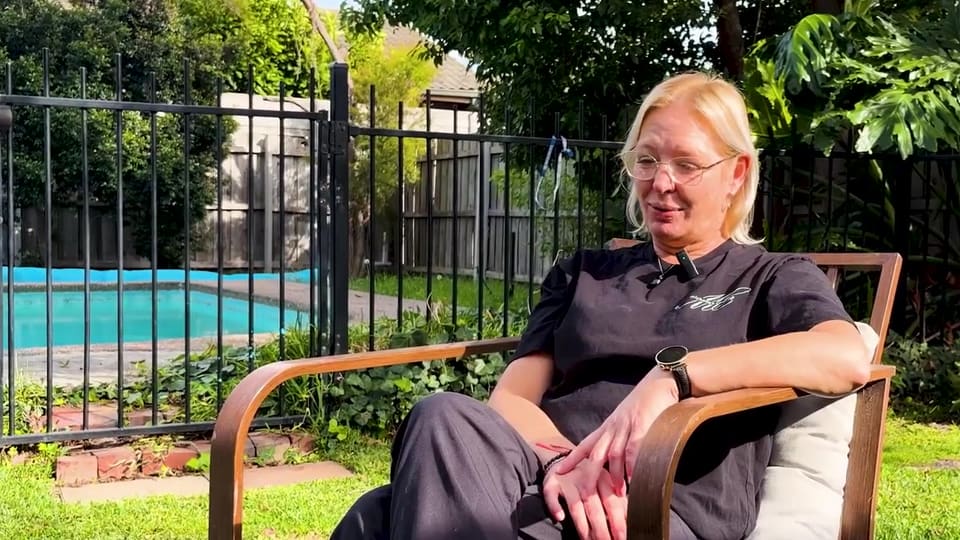
“The moment I realised this was actually working was waking up in the morning and having the leads in my inbox already — without chasing the business. I've gone from one booking a month to three or four.”
Michelle
Owner, Michelle's Catering
50–60% of leads converted
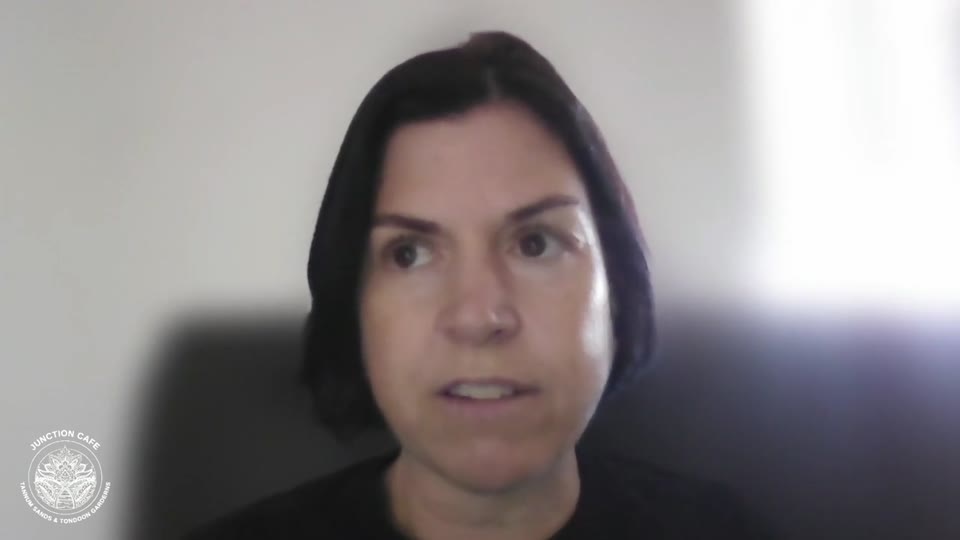
“I run three businesses, so chasing quotes and back-of-house was really hard work. Now people order and pay through the website and get a quote instantly — I don't have to lift a finger.”
Mel
Owner, Junction Cafes
2–3 a day enquiries, was 2–3 a week · admin halved
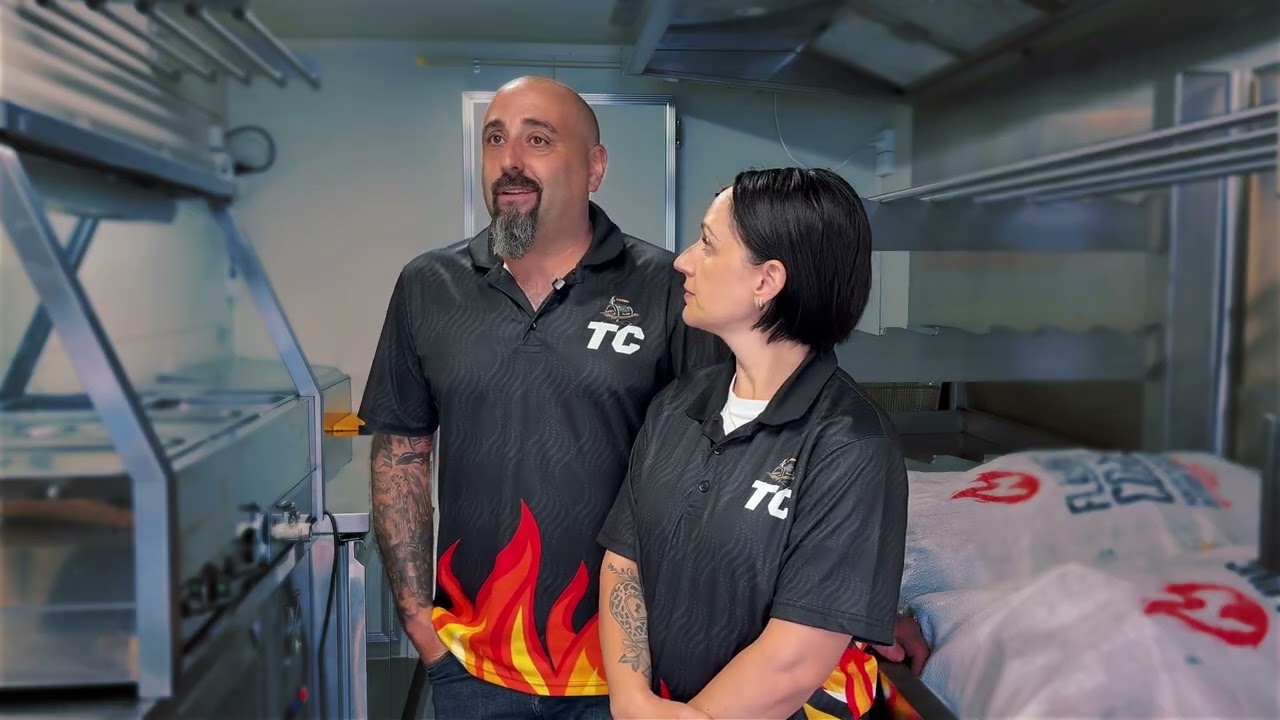
“This software does it all for us — our invoicing's done, our payment schedules are done, the quoting tool's there. We can be asleep and still get leads. Without it, our truck would be sitting in the backyard not generating revenue.”
Steve & Amanda
Owners, Travelling Carnivores
45–55 quotes sent / month
“We've collected $40k just in deposits. Our calendar is filling up — we're actually in the process of getting a second van. One job alone basically paid for the whole system.”
Jacinto
Owner, Spanish Paella & Sangria
$40k in deposits

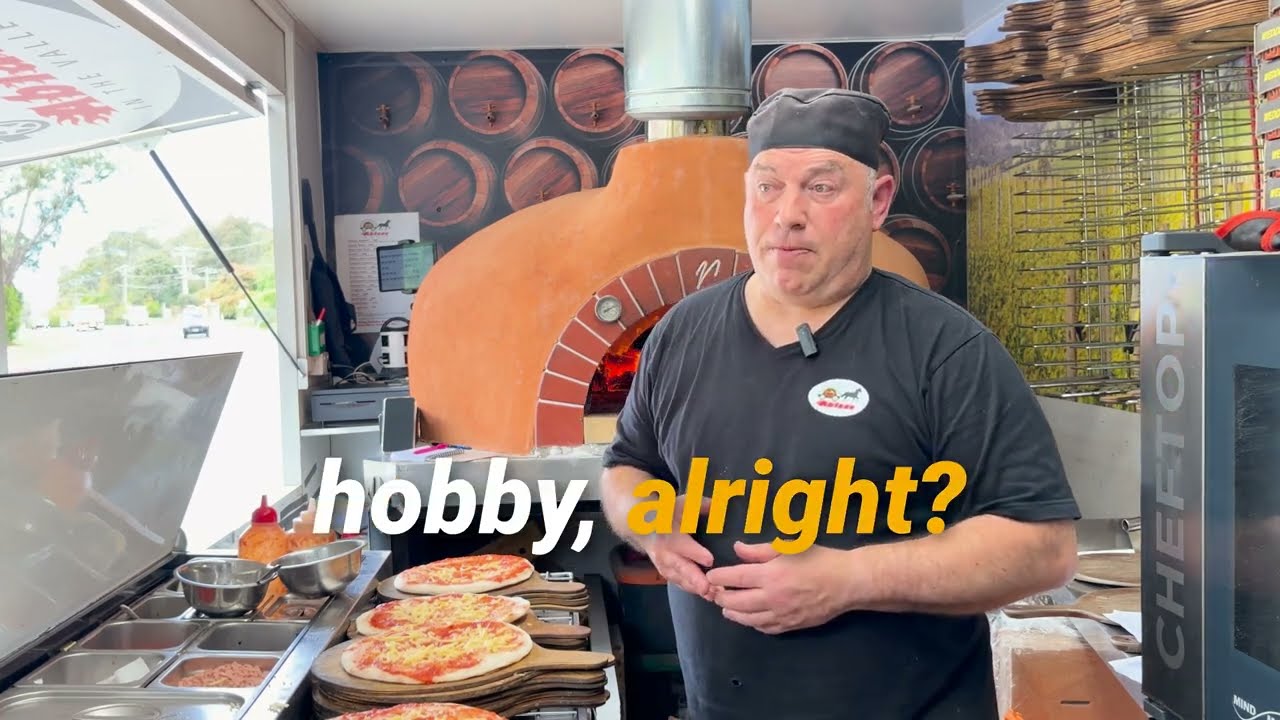
“These guys know how to improve your web page and the inquiries coming in. I'm three months into next year already confirmed — that's never happened in 12 years.”
Stephen
Woodfired pizza, Ablaze in the Valley
Who it is not for
When this will not help
Every job needs a site visit first
If you cannot price anything without seeing the venue, an instant date-take is the wrong shape and an enquiry form is honest.
You are booked out on referrals
If you turn work away already, making it easier to reach you solves a problem you do not have.
You need a table-reservation system
This books your business for a day. It does not seat covers at sittings, and a restaurant system will do that far better.
Questions
What people ask about bookings
- How do customers see my availability?
- A widget on your own site, showing the dates you can actually work. It resolves from your real diary, so a day that is full says so without you touching anything.
- Does it show customers who booked me?
- No. A customer sees a shape and a time — open, limited or full — never who the other booking is for or where. That distinction is enforced where the availability is resolved, not by hiding a field in the display.
- Can someone book a date directly?
- They can take a date and pay a deposit, or send an enquiry for a day that looks full — some caterers will do two jobs on a Saturday and would rather be asked than filtered out.
- What do I have to put on my website?
- One line of HTML. It carries your branding rather than ours, and you can try every widget in the browser before you sign up for anything.