Staff scheduling
Your crew do not need an account.
Your roster · Sat 26
4 of 6
Two short for service
Their phone
Available Saturday 4pm at Stonefields? Tap to answer.
No login. No app. No password to reset.
Back on the board
6 of 6
Filled, and you did not chase it
A shift is short, the callout goes out as a text, and the answer lands back on the board. src/lib/staff/acceptCallout.ts — the crew page is public, so nobody installs anything or takes a seat on your bill.
What goes wrong
Where the time goes
The parts of the job that cost you, before any software is involved.
- 01
You are texting people one at a time
A shift needs two more. You go down your contacts, send the same message six times, and then keep track of the replies in your head and your thumb.
- 02
The people who say yes are not written down anywhere
The answers come back across three apps and a phone call. The roster in the software says what you last typed into it, which is not the same thing.
- 03
Casual crew will not install anything
You can buy every seat you like. A casual who works four Saturdays a year is not downloading an app, creating a password and remembering it.
- 04
Adding people to the software costs money
On a per-seat plan every casual you add is a line on the bill, so the roster in the system quietly stops matching the roster in real life.
How it works
How it works
The shift is short
The roster knows how many it needs and how many it has. You do not have to notice.
Send the callout
One tap, from the van. It goes to the people who can actually do that role.
They tap yes or no
A link in a text opens a public page. No login, no app, no password to reset.
The board fills itself
The answer writes straight to the roster, and the short count clears.
Their own day
Send one person just their part of it
Nobody needs the whole event. A crew member needs the four lines that are theirs — and they get them as a message, on the phone they already have.
- Bump in
- 05:30 Load van at the unit RNDB
- 06:45 Arrive on site, unload RNDB
- 07:30 Set up grazing table and bar JKMT
- — Ice delivery — confirm with supplier DB
- Trading
- 11:30 Canapés out, service begins JKMTRN
- 13:00 Mains to the pass RNJK
- 15:30 Dessert table, coffee cart on MT
- Bump out
- 17:00 Break down bar, pack crates DBMT
- 18:30 Load out, site walk-through RNDB
- Bump in
- 05:30 Load van at the unit RNDB
- 06:45 Arrive on site, unload RNDB
- 07:30 Set up grazing table and bar JKMT
- — Ice delivery — confirm with supplier DB
- Trading
- 11:30 Canapés out, service begins JKMTRN
- 13:00 Mains to the pass RNJK
- 15:30 Dessert table, coffee cart on MT
- Bump out
- 17:00 Break down bar, pack crates DBMT
- 18:30 Load out, site walk-through RNDB
One row has no time, because nobody set one. It stays a dash rather than guessing — a printed “09:00” is somebody turning up at nine.
03 — In their words
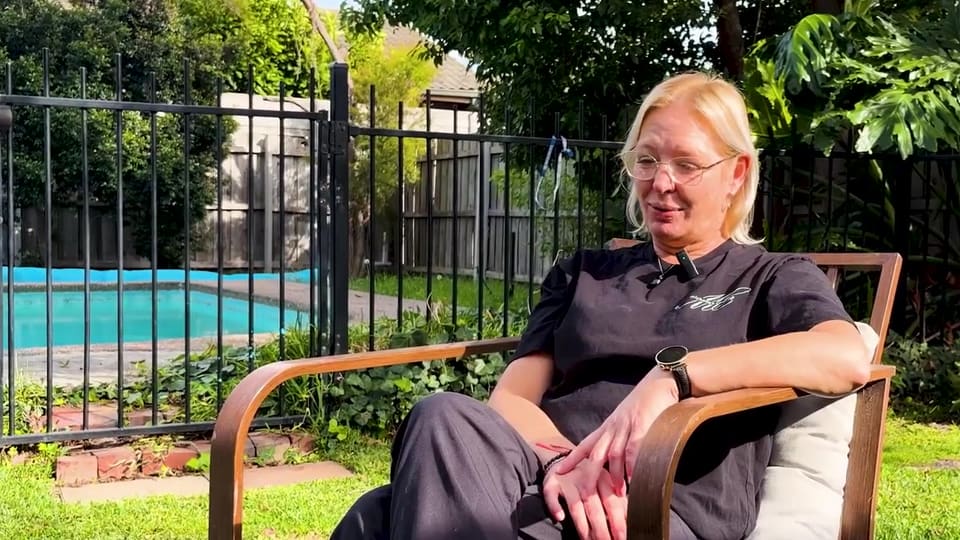
Caterers who love CaterCloud
“The moment I realised this was actually working was waking up in the morning and having the leads in my inbox already — without chasing the business. I've gone from one booking a month to three or four.”
Michelle
Owner, Michelle's Catering
50–60% of leads converted
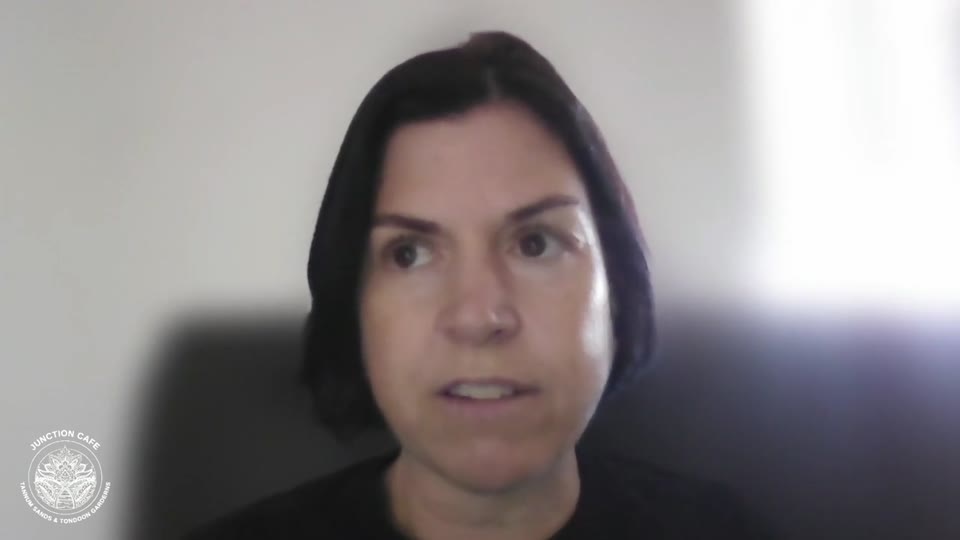
“I run three businesses, so chasing quotes and back-of-house was really hard work. Now people order and pay through the website and get a quote instantly — I don't have to lift a finger.”
Mel
Owner, Junction Cafes
2–3 a day enquiries, was 2–3 a week · admin halved
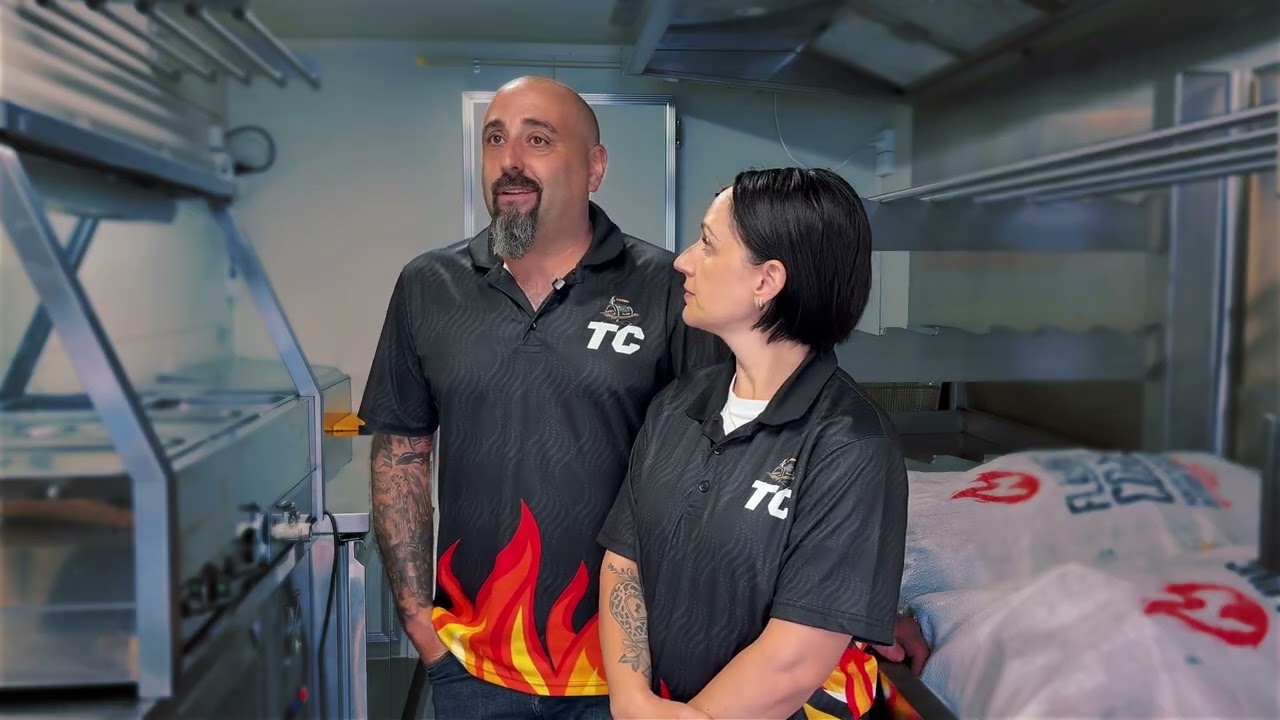
“This software does it all for us — our invoicing's done, our payment schedules are done, the quoting tool's there. We can be asleep and still get leads. Without it, our truck would be sitting in the backyard not generating revenue.”
Steve & Amanda
Owners, Travelling Carnivores
45–55 quotes sent / month
“We've collected $40k just in deposits. Our calendar is filling up — we're actually in the process of getting a second van. One job alone basically paid for the whole system.”
Jacinto
Owner, Spanish Paella & Sangria
$40k in deposits

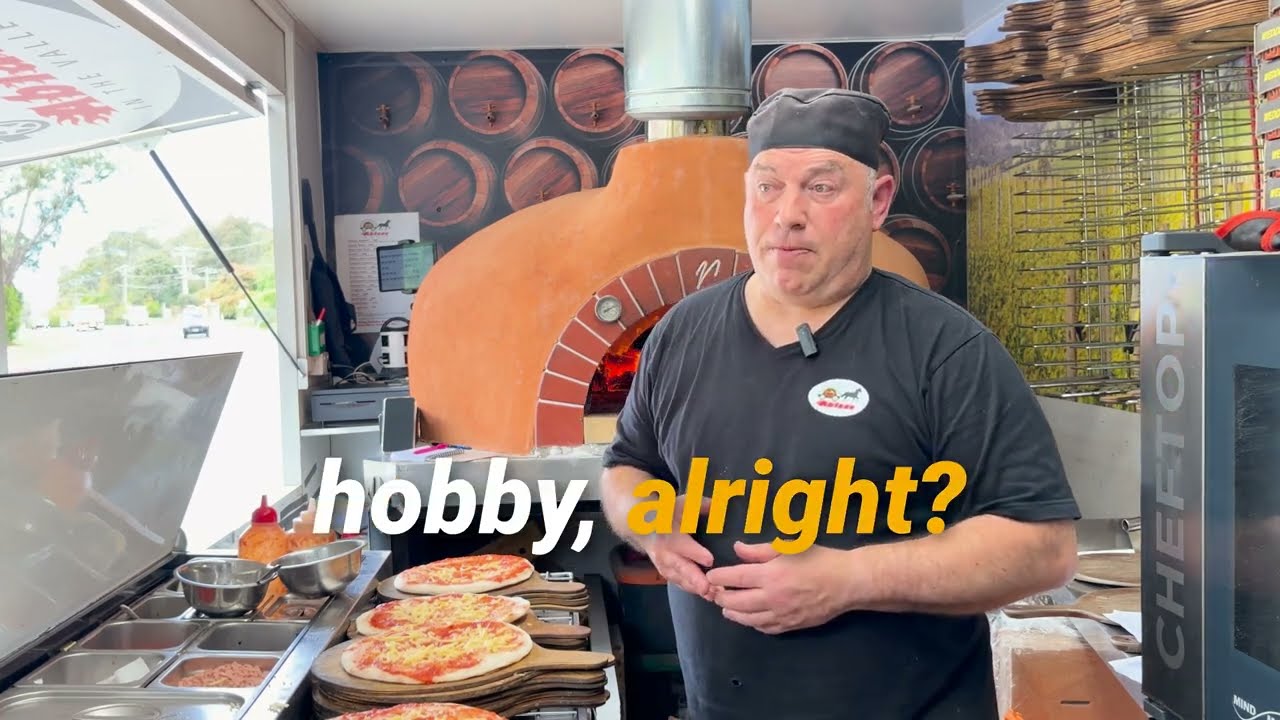
“These guys know how to improve your web page and the inquiries coming in. I'm three months into next year already confirmed — that's never happened in 12 years.”
Stephen
Woodfired pizza, Ablaze in the Valley
Who it is not for
Where this is the wrong tool
You need full time-and-attendance
There is no clock-in terminal and no biometric. If payroll compliance needs a punch clock, that is a different product.
Your staff are all salaried and fixed
If the same six people work every job, the callout solves a problem you do not have.
You need award interpretation
Pay rates are recorded and used, but this is not a payroll engine and does not interpret an award for you.
Questions
What people ask
- Do my staff need to download an app?
- No. The callout is a text with a link to a public page. They tap yes or no and it lands on your roster.
- Does adding crew cost more?
- No. CaterCloud is flat monthly, not per seat, so your whole crew being on it does not change the bill.
- Can I see who is available before I ask?
- Yes — availability and existing shifts are on the roster, so the callout goes to people who could actually do it.
- What if nobody answers?
- The shift stays short and visibly so. Nothing pretends it is filled.